



















FAQs
What is LMS migration?
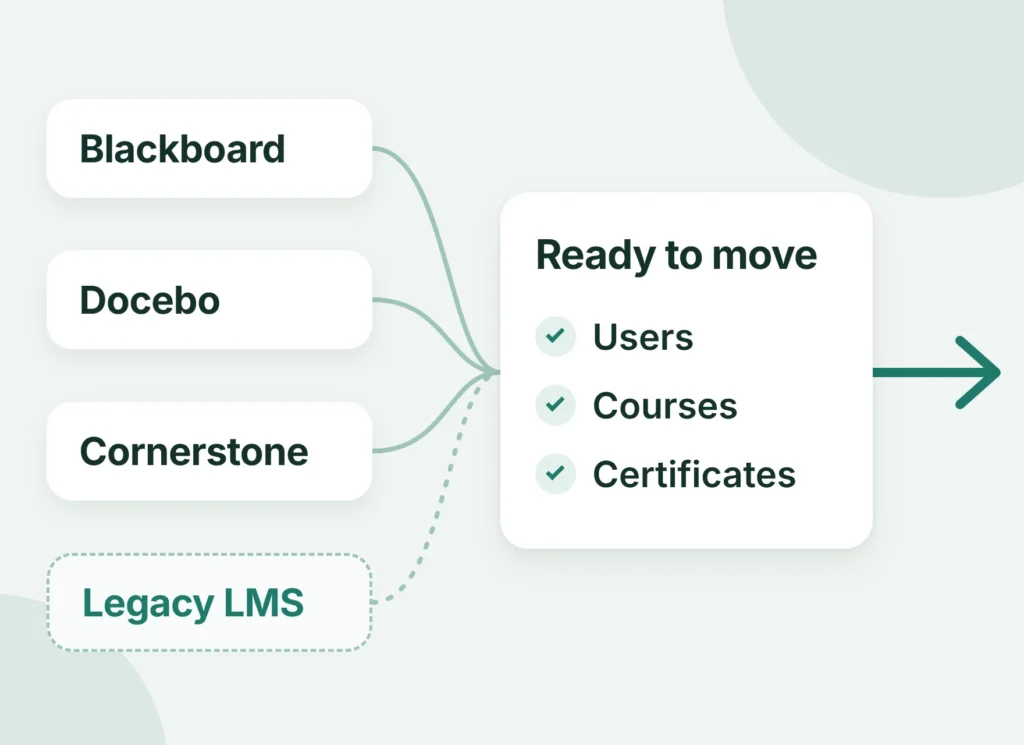
Moving courses, users, and learner records from your current LMS into a new environment. Shifting an on-premises install to the cloud counts too. A full learning management system migration also covers the connections and reports that depend on the learner records.
How long does it take to migrate to a new LMS?
Typically from 2 weeks to several months, depending on scope. The main factors:
- Size of the organization and the complexity of its data
- Customization, infrastructure, and the number of integrations
- Available resources and compliance requirements
Most small catalogs land at the short end of the typical timelines by project size.
How much does LMS migration cost?
Scope sets the price, and every project gets a fixed estimate after assessment. Cost grows with users, catalog size, SCORM content, integrations, and compliance requirements. The approach matters too: a parallel run means paying for two platforms at once. To migrate an LMS with a known budget, start with the assessment.
Will we lose course data or learner history during migration?
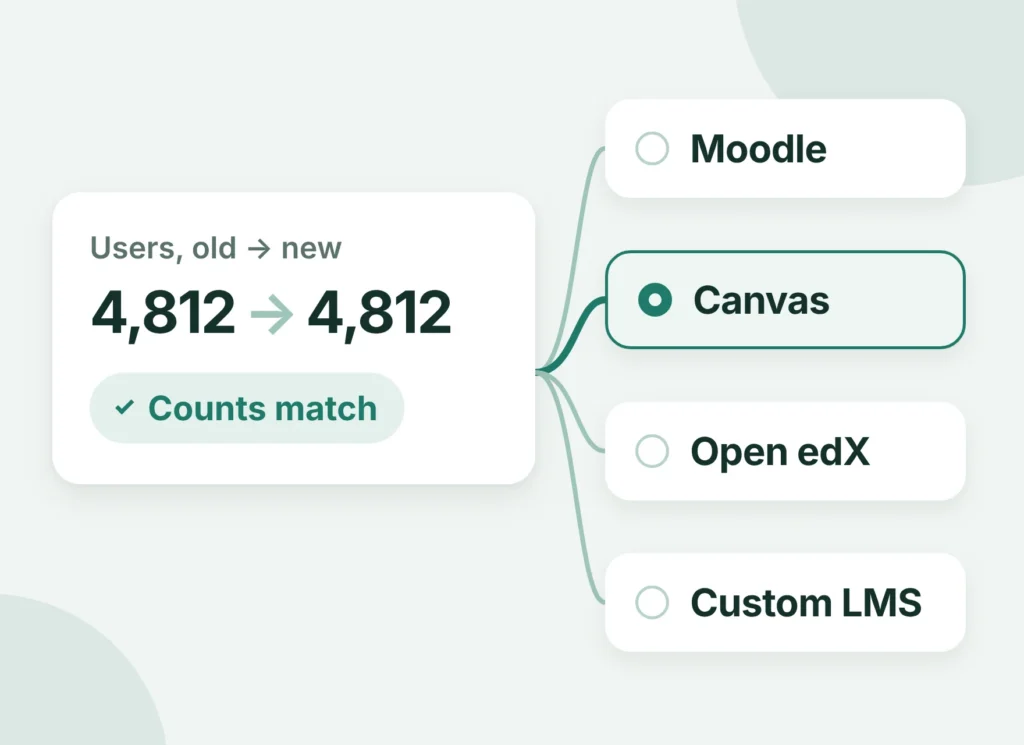
The plan is built so records survive the switch. A full backup comes first, then a test migration on a sample, reconciled counts, and a rollback plan. Each check is held to your requirement of no data loss, including every learner’s history. An LMS migration checklist and project plan sets the order of those checks before anything is exported.
Can you migrate SCORM and xAPI content?
Yes, with their tracking. SCORM 1.2 and 2004 packages keep their completion data, and xAPI statements go to the new LRS. Packages that need re-publishing are flagged during the assessment.
Can you migrate from Blackboard or Moodle to Canvas?
How do you keep training running during the transition?
By matching the approach to your calendar. A parallel run keeps both environments live for teams that need no downtime for learners. A phased approach shifts one department or course group at a time. Big bang waits for a quiet window, such as a term break. Each LMS transition gets the route its schedule allows.
Do you rebuild integrations like SSO and HRIS after migration?
Yes, before the cutover. SSO, HRIS, CRM, and SIS connections are rebuilt against the destination through LMS integration and tested with real accounts. Learners log in and enrollments sync from the first day.
Can AI help clean and map data during an LMS migration?
It can, as an assistant to engineers. AI flags duplicate accounts, suggests field matches, and checks data quality across exports. Engineers review every mapping before anything is loaded, so the decisions stay with people.
Can we add AI features to our LMS as part of the migration?
Yes, and the move is the right time to plan them. AI features depend on clean, well-mapped data, and the migration produces exactly that. Once records are in the new LMS, an assistant can answer learners’ routine questions and quizzes can be graded automatically. Both can join the same project as part of our AI solutions for education.