






Corporate L&D, Associations and CE
Strategy & Discovery
Innovative education platforms
Build & Launch
Online training solutions
Grow & Support
Creative content & apps
Platform & Technology Expertise

ACCESSIBLE E-LEARNING DEVELOPMENT SERVICES

Fix the accessibility barriers your content team cannot reach

We make the learning platform conform alongside the content, for universities and the EdTech vendors selling into them.

Book a free call →
Partners, not just projects

Behind each logo is a long-standing relationship, built on trust as much as delivery.

Why Accessibility Matters in E-Learning

Five pressures bring institutions to our e-learning software development practice, and accessible e-learning development answers each of them:

  • Every control that answers the keyboard extends learner reach to students using speech input or a switch device
  • Repaired code delivers legal risk reduction to the university, because complaints land on whoever published the course
  • Deals close when accessible e-learning is documented, because a buyer’s conformance request halts procurement until someone answers it
  • Markup comes from themes and plugins, so the standards that apply to online course content land in code
  • A single update can reintroduce a defect, leaving equal access a state teams hold across versions

Accessibility is an engineering job long before it becomes a documentation one.

Industries That Need Accessible E-Learning

We change the code behind the courses that these four groups deliver and defend.

Higher education

Public universities and community colleges run an LMS beside a course library nobody has reviewed. The part they need repaired sits below the editor.

Government and public sector

Agencies and publicly funded bodies, where the federal obligation flows down to contractors and to the training portal itself. K-12 districts answer the same rules.

Healthcare and regulated training

Clinical and certification programs delivered online to a workforce that includes people with disabilities, under a licensing board’s requirements. The assessment carries the stakes.

Corporate training and compliance

Federal contractors and companies with EU operations answer for e-learning compliance, as do the membership bodies delivering continuing education. Onboarding gets checked first.

Accessible E-Learning Development Services We Deliver

A report stops where the code starts, and all seven services here carry on past that line.

Custom Accessible E-Learning Platform Development

An off-the-shelf product hands you its markup, and you inherit whatever it emits. We set semantic structure, focus order, contrast, and target size at the component layer. Content packaged as SCORM or xAPI arrives intact, and inclusive design carries through to the mobile learning apps.

WCAG 2.1/2.2 Compliant Course Development

Repairing a published course costs more than getting it right, and a bad pattern repeats library-wide. Success criteria go in during authoring, with alt text on images and color contrast at AA. The earlier release, WCAG 2.1, sets the baseline; WCAG 2.2 adds focus appearance and dragging movements.

Accessibility Audits for E-Learning Content

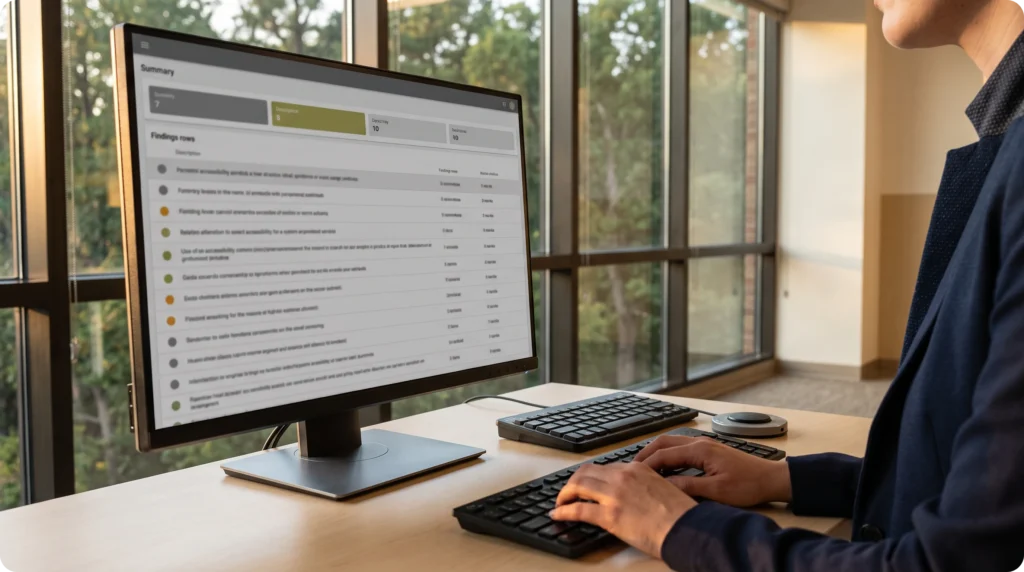
Scanning tools list failures without naming what produced them, leaving a course library no closer to a fix. Our accessibility audit pairs machine coverage with manual review, then traces each finding to the template or plugin behind it. That last step turns accessibility testing into a work order.

E-Learning Accessibility Remediation

A defect inside a theme or a quiz engine waits for someone with commit access, and that vendor sets its roadmap. We repair the platform in phases while it stays live, so enrollment and grading keep running. Each phase closes with the change verified against the criterion behind it.

Accessible LMS Development and Customization

Years of bespoke themes and integrations sit in an environment your campus owns but did not write. Our developers work in the Moodle or Canvas codebase, including the layer added on top, so keyboard navigation holds. You end up with an accessible LMS whose fixes ship through our custom LMS development work.

Section 508 and ADA Compliance Consulting

Legal asks for the exposure, procurement asks for documentation, and nobody can map either onto the codebase. We trace each obligation to its success criteria, then to the failing components, then to an order of work. Our accessibility consulting ends in one plan covering Section 508 and ADA Title III.

Accessible Video, Captioning, and Transcript Services

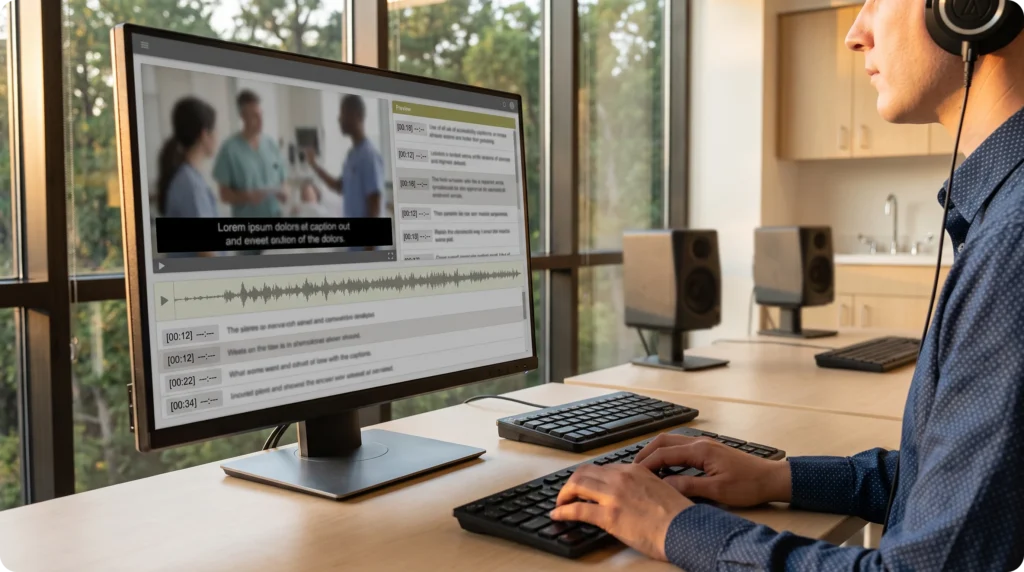
Captions that drift out of sync fail the criterion as completely as none at all. We check closed captions for accuracy and timing against the original recording. Controls on the player are code, so screen reader compatibility gets built with the accessible video transcripts.

See If Your E-Learning Platform Meets WCAG Standards
You can find out where your courses stand before someone else does. Name your platform and deadline, and accessible e-learning development starts there.

Accessibility Standards and Compliance We Follow

WCAG 2.1 and 2.2 Guidelines

Success criteria describe what a screen must do for someone who cannot use a mouse. AA is the level buyers name in a contract, where e-learning compliance gets measured. The newer WCAG 2.2 keeps every criterion from WCAG 2.1 and adds several for interactive question types.

Section 508 Compliance

The obligation follows federal money, so it reaches state universities and contractors as well as agencies. The law points at the WCAG criteria and does not write its own. In practice, 508 compliance for e-learning is as much a documentation duty as a technical one.

ADA Title III Requirements

Places of public accommodation carry the duty, and court decisions have extended that reading to services delivered online. For a university, the grievance names the institution that put the course online. Claims under ADA Title III turn on whether a person could finish the task.

EN 301 549 and International Standards

European public bodies buy against a single technical standard. For an EdTech product sold into the EU, the requirement attaches to the software itself. Much of EN 301 549 points at the same WCAG criteria, and the European Accessibility Act (EAA) reaches commercial sellers.

What people say about us

Reviewed on Clutch
stars 4.9/5 rating
Benjamin Caldwell, CEO at High Pass Education

The most tangible thing is when people complete our programs and then take their licensing exam, they specifically mention the guidance they get from our testing platform as something that gave them an advantage. That’s huge.

Benjamin Caldwell
CEO and President at High Pass Education

Key Accessibility Features We Build In

Each of these five is a property of the code we ship, holding without anyone remembering to switch it on.

Screen Reader Compatibility and Semantic Markup

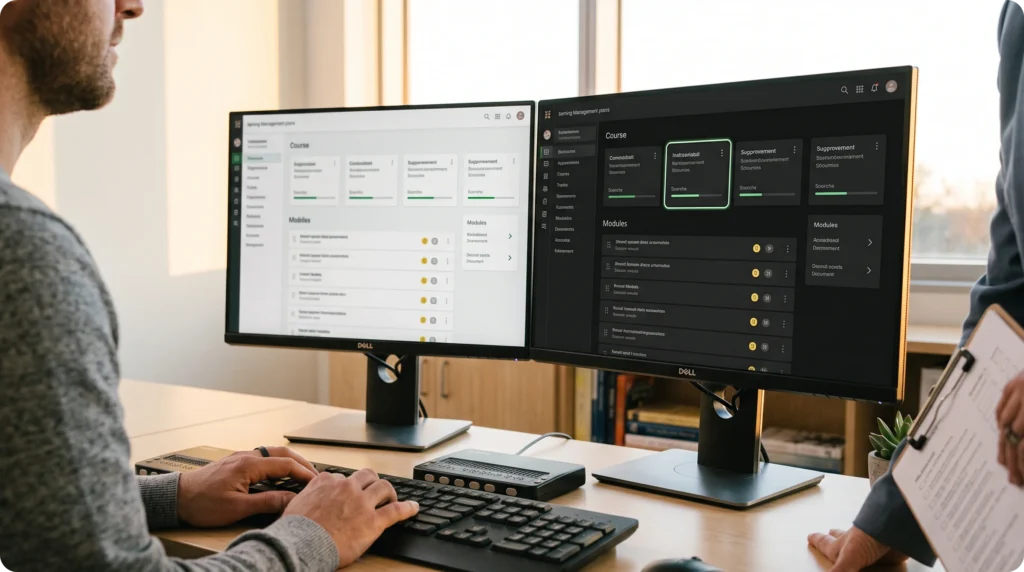
Semantic structure is what gets read aloud, from real headings to tables with genuine header cells. We write the markup against NVDA and JAWS on Windows, and VoiceOver on Mac. Real screen reader compatibility comes out of that structure, so it holds when the coursework changes.

Keyboard Navigation and Focus Management

Every interactive element answers the keyboard, with a visible ring around whatever holds it. The cases that matter in a course are a quiz that traps focus inside a question and a modal that returns it wrongly. We test keyboard navigation on those paths before anything ships.

Closed Captions and Transcripts

Captions run in sync with the audio, and the transcript carries speaker identification and non-speech sound. The same text serves the student searching for a lecture for one term. We check closed captions and the player controls together, because one without the other still fails the criterion.

Color Contrast and Visual Accessibility

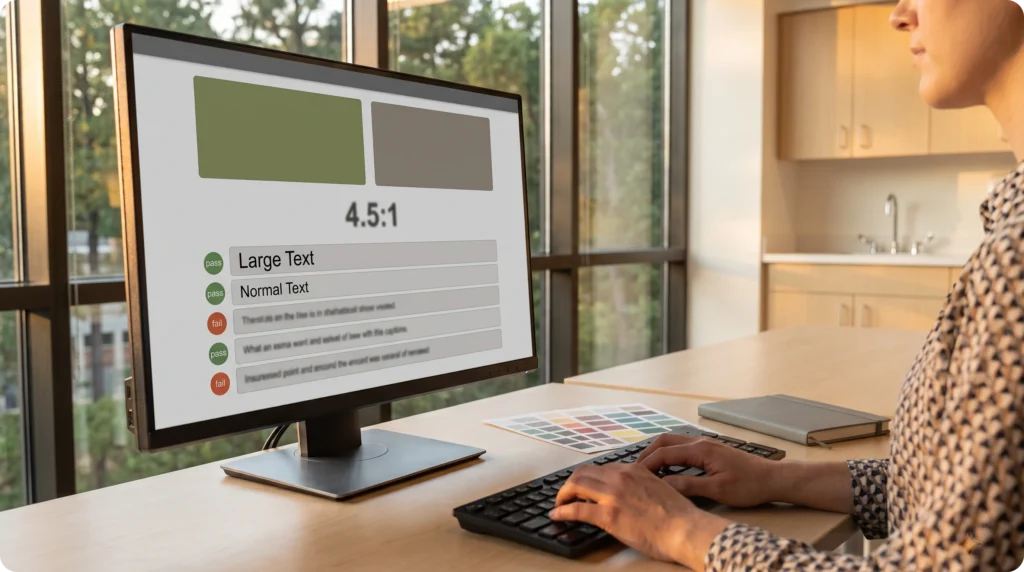
At AA, contrast ratios hold across text and controls, and no meaning rides on color alone. The graded answer is the obvious case, where red and green mark right and wrong with no second signal. Images that carry meaning get alt text, and decorative ones get none.

Accessible Forms and ARIA Labels

In the code, each label ties to its input, and errors get announced as well as shown in red. The highest-stakes form in a learning platform is the assessment, where a mislabeled input costs a grade. Required fields say so in text, and ARIA labels fill the gaps native markup cannot.

How We Deliver Accessible E-Learning Projects

1

Accessibility Audit and Gap Analysis

We scan the platform and course library, then trace each finding to the component that generates it
2

Remediation Planning

We sequence accessibility remediation by severity and dependency, so the highest-risk barriers close first
3

Development and Testing

We change the code for each e-learning accessibility fix and confirm it through accessibility testing
4

Assistive Technology Testing

We run the repaired flows through screen readers and keyboard-only paths to confirm they work in practice
5

VPAT and Compliance Documentation

We record a conformance level per criterion with the evidence sitting behind each row
6

Ongoing Monitoring and Support

We re-check after each release, because a platform that ships updates drifts out of conformance

Accessibility written into the code on two client solutions

High Pass Education extended its existing LMS with a custom assessment layer

The client prepares mental health professionals for certification exams and ran that program on an off-the-shelf LMS it already owned. Our 8-person team built that layer on Python, Django, Next.js, and MongoDB, and launched it in 2024 with both systems kept in step over LTI.

→ Custom assessment and reporting layer built on the client’s existing off-the-shelf LMS
→ Accessibility aligned with WCAG 2.1 standards, consistent across devices and browsers
→ 5 to 20 seconds for user updates to propagate between systems over LTI

Verifone, a global payments company, rebuilt its multilingual site to WCAG 2.0 AA

Verifone ran separate regional sites, and a 15-person Anyforsoft team joined a multi-agency program to consolidate them into one Drupal 10 build launched in 2023. Conformance at that scale, across heavy custom component work, is the same web engineering discipline any large platform build demands.

→ WCAG 2.0 (AA) conformance delivered across the rebuilt site
→ Regional domains consolidated into one multilingual site across 20+ languages
→ Multi-agency rebuild on Drupal 10 with heavy custom component work

LMS and Authoring Platforms We Make Accessible

Moodle

Moodle development reaches the plugin layer:

  • Theme and plugin markup reviewed end to end
  • An accessible LMS that holds under every course

Canvas

Authoring gets the guardrails:

  • Pages checked for heading order and labels
  • A library that survives the next scan

TalentLMS

Corporate theming keeps its contrast:

  • Brand palettes tested against AA thresholds
  • Focus indicators that hold after restyling

Docebo

Configured pages get checked:

  • Custom pages inspected at the component
  • A settings layer that emits clean markup

Articulate

Published output answers the keyboard:

  • Player controls reached without a mouse
  • Packages that carry SCORM structure through

Adobe Captivate

Interactive content keeps its labels:

  • Simulation steps announced to screen readers
  • Reports that record what xAPI captures

Why Choose Anyforsoft for Accessible E-Learning Development

✔
Domain expertise

The people who know the success criteria are the same people who know what a quiz engine emits.

✔
WCAG-driven process

Success criteria enter the work at authoring and build time, then get verified before anything reaches a learner.

✔
Flexible engagement

When Verifone rebuilt its global payments site in multiple languages, we joined the multi-agency program with a 15-person team and scaled up or down as the program required.

✔
Transparent reporting

Between audit and delivery you see each finding traced to its component, with a record of what was verified.

FAQs

What does “accessible e-learning” mean?

It means a student can perceive and operate the coursework along with the software carrying it. In practice that covers keyboard operation, real structure for a screen reader, synchronized captions, and contrast that holds. The platform sits in scope as much as the course, which is where most accessible e-learning work happens.

Which accessibility standards apply to e-learning content (WCAG, ADA, Section 508)?

One technical standard does the work, and the laws point at it. Federal agencies and federally funded institutions answer to Section 508, public accommodations to ADA Title III. EU procurement runs on EN 301 549, with the European Accessibility Act behind it. AA under WCAG 2.1 is the level buyers name.

How much does it cost to make an e-learning course accessible?

Cost follows what the audit finds, not the number of courses in the library. Three drivers set it:

  • How much of the barrier sits in code versus content
  • How many distinct components generate the defects
  • Whether documentation is required at the end

One broken template across two hundred courses costs less to repair than twenty separate defects.

Can you audit our existing LMS or course library for accessibility issues?

Yes, and we examine the platform alongside the library. Automated scanning gives coverage, and manual review handles the criteria a tool cannot judge. Each finding then gets traced to the template or plugin that produces it. What arrives is an accessibility audit report ordered by severity, with a repair path per item.

Do you provide VPAT documentation after remediation?

Yes, as part of the engineering work, with no certificate attached. Each success criterion maps to a row in the ACR template, with a conformance level and the evidence behind it. Where a criterion is partially supported, the row says so and names what remains. The document reports the product at a point in time, and gets revisited after a release.

Which LMS platforms can you make accessible (Moodle, Canvas, TalentLMS, and others)?

Any platform whose code we can reach, which in practice means the configurable ones. That set covers Moodle, Canvas, TalentLMS, Docebo, and the authoring tools feeding them. A hosted product you cannot modify limits what anyone can repair, including its vendor. What makes an accessible LMS achievable is access to the source.

How do you test e-learning content with real assistive technology?

Automated tools cannot judge most of the criteria, so the flows get run by hand. We test in NVDA and JAWS on Windows, and in VoiceOver on Mac. The paths that matter are enrolling, sitting an assessment, submitting it, and reading the result. Both screen reader compatibility and keyboard navigation break at those points first.

How long does an accessibility remediation project typically take?

Duration comes out of the audit, not the size of the library. How many components generate the defects sets the floor. A platform you can change directly moves faster than one gated by a vendor. Work phased around a live term stretches the calendar, which is where most e-learning accessibility projects lose time.

How can AI help identify and fix e-learning accessibility issues faster?

Scanning catches a real but partial share of the issues, and the rest need a human. Automated and AI-assisted tools catch contrast ratios, missing labels, broken heading order, and unlabeled controls. What they cannot settle is whether a heading is really a heading. Our position is that accessibility testing with AI is an accelerator under human review.

Can AI-generated captions and alt text meet WCAG accessibility requirements?

Sometimes, and not reliably enough to ship unreviewed. Generated tracks fail on speaker identification, non-speech sound, technical vocabulary, and proper nouns. The alt text case is different: the right description depends on why the image sits there. We treat both closed captions and generated descriptions as a first pass under human review.

Ready to make your courses accessible to every learner?

Tell us which platform you run and what is forcing the timeline. You get back a scoped plan for accessible e-learning development, in the order the work happens.

Let’s talk
Vlad
Vlad

Business Development Manager

Anatolii
Anatolii

CEO

AnyforSoft
Privacy Overview

This website uses cookies so that we can provide you with the best user experience possible. Cookie information is stored in your browser and performs functions such as recognising you when you return to our website and helping our team to understand which sections of the website you find most interesting and useful.