











FAQs
What does “accessible e-learning” mean?
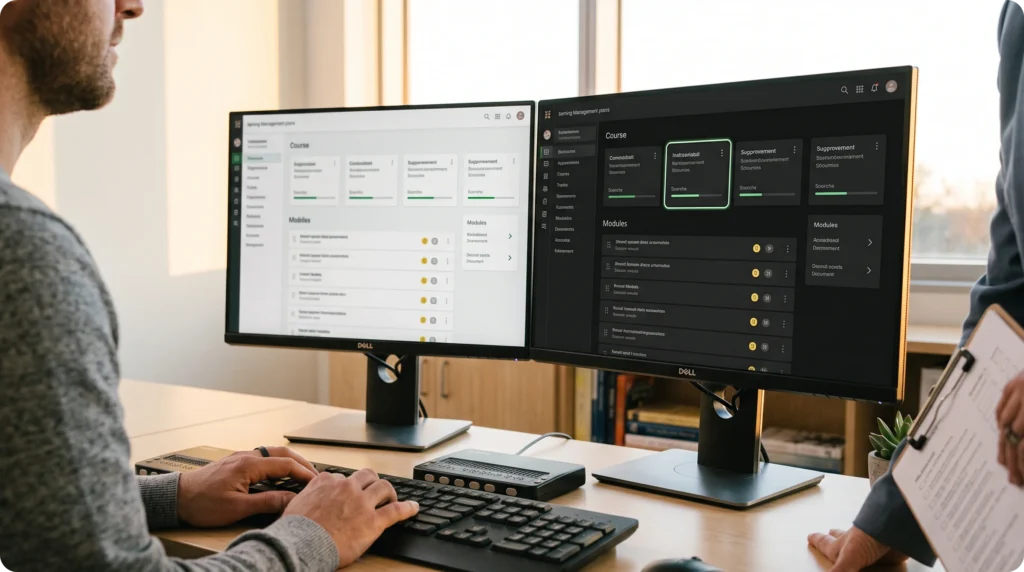
It means a student can perceive and operate the coursework along with the software carrying it. In practice that covers keyboard operation, real structure for a screen reader, synchronized captions, and contrast that holds. The platform sits in scope as much as the course, which is where most accessible e-learning work happens.
Which accessibility standards apply to e-learning content (WCAG, ADA, Section 508)?
One technical standard does the work, and the laws point at it. Federal agencies and federally funded institutions answer to Section 508, public accommodations to ADA Title III. EU procurement runs on EN 301 549, with the European Accessibility Act behind it. AA under WCAG 2.1 is the level buyers name.
How much does it cost to make an e-learning course accessible?
Cost follows what the audit finds, not the number of courses in the library. Three drivers set it:
- How much of the barrier sits in code versus content
- How many distinct components generate the defects
- Whether documentation is required at the end
One broken template across two hundred courses costs less to repair than twenty separate defects.
Can you audit our existing LMS or course library for accessibility issues?
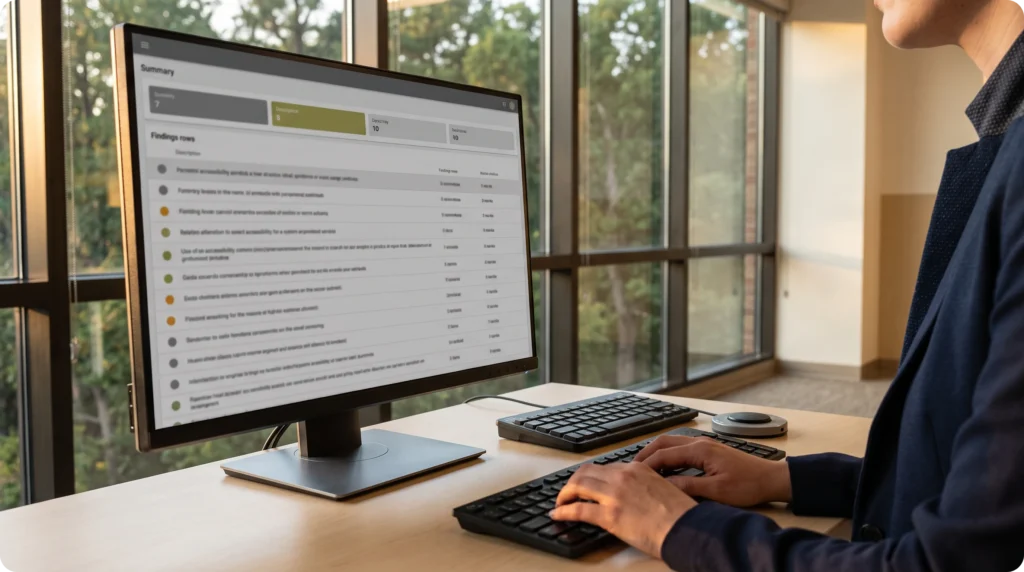
Yes, and we examine the platform alongside the library. Automated scanning gives coverage, and manual review handles the criteria a tool cannot judge. Each finding then gets traced to the template or plugin that produces it. What arrives is an accessibility audit report ordered by severity, with a repair path per item.
Do you provide VPAT documentation after remediation?
Yes, as part of the engineering work, with no certificate attached. Each success criterion maps to a row in the ACR template, with a conformance level and the evidence behind it. Where a criterion is partially supported, the row says so and names what remains. The document reports the product at a point in time, and gets revisited after a release.
Which LMS platforms can you make accessible (Moodle, Canvas, TalentLMS, and others)?
Any platform whose code we can reach, which in practice means the configurable ones. That set covers Moodle, Canvas, TalentLMS, Docebo, and the authoring tools feeding them. A hosted product you cannot modify limits what anyone can repair, including its vendor. What makes an accessible LMS achievable is access to the source.
How do you test e-learning content with real assistive technology?
Automated tools cannot judge most of the criteria, so the flows get run by hand. We test in NVDA and JAWS on Windows, and in VoiceOver on Mac. The paths that matter are enrolling, sitting an assessment, submitting it, and reading the result. Both screen reader compatibility and keyboard navigation break at those points first.
How long does an accessibility remediation project typically take?
Duration comes out of the audit, not the size of the library. How many components generate the defects sets the floor. A platform you can change directly moves faster than one gated by a vendor. Work phased around a live term stretches the calendar, which is where most e-learning accessibility projects lose time.
How can AI help identify and fix e-learning accessibility issues faster?
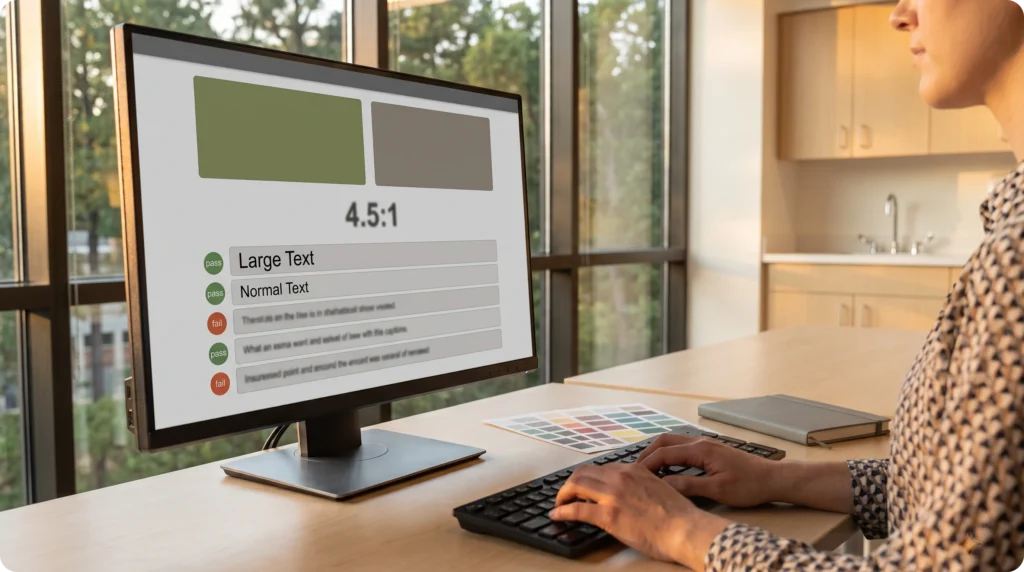
Scanning catches a real but partial share of the issues, and the rest need a human. Automated and AI-assisted tools catch contrast ratios, missing labels, broken heading order, and unlabeled controls. What they cannot settle is whether a heading is really a heading. Our position is that accessibility testing with AI is an accelerator under human review.
Can AI-generated captions and alt text meet WCAG accessibility requirements?
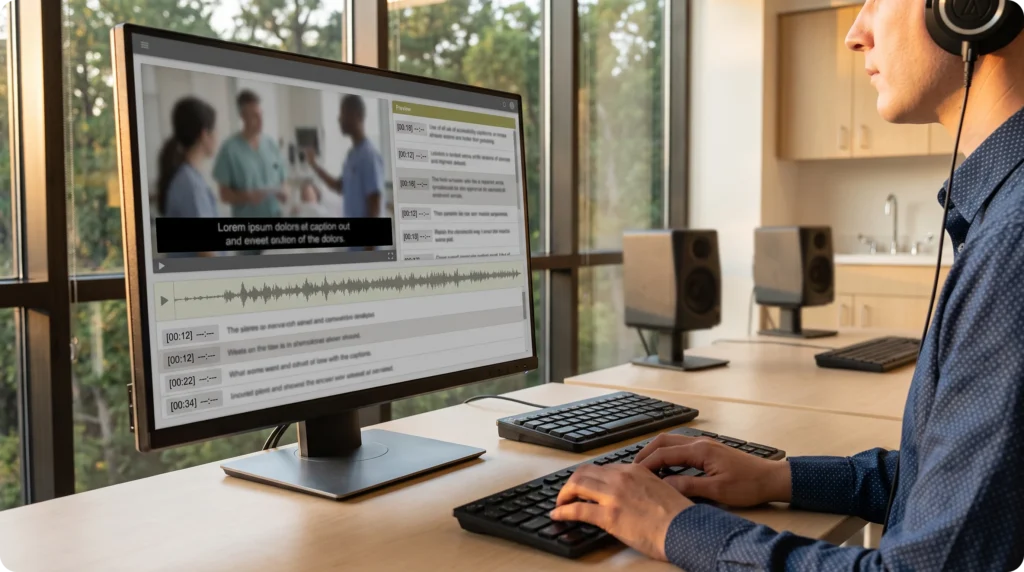
Sometimes, and not reliably enough to ship unreviewed. Generated tracks fail on speaker identification, non-speech sound, technical vocabulary, and proper nouns. The alt text case is different: the right description depends on why the image sits there. We treat both closed captions and generated descriptions as a first pass under human review.